

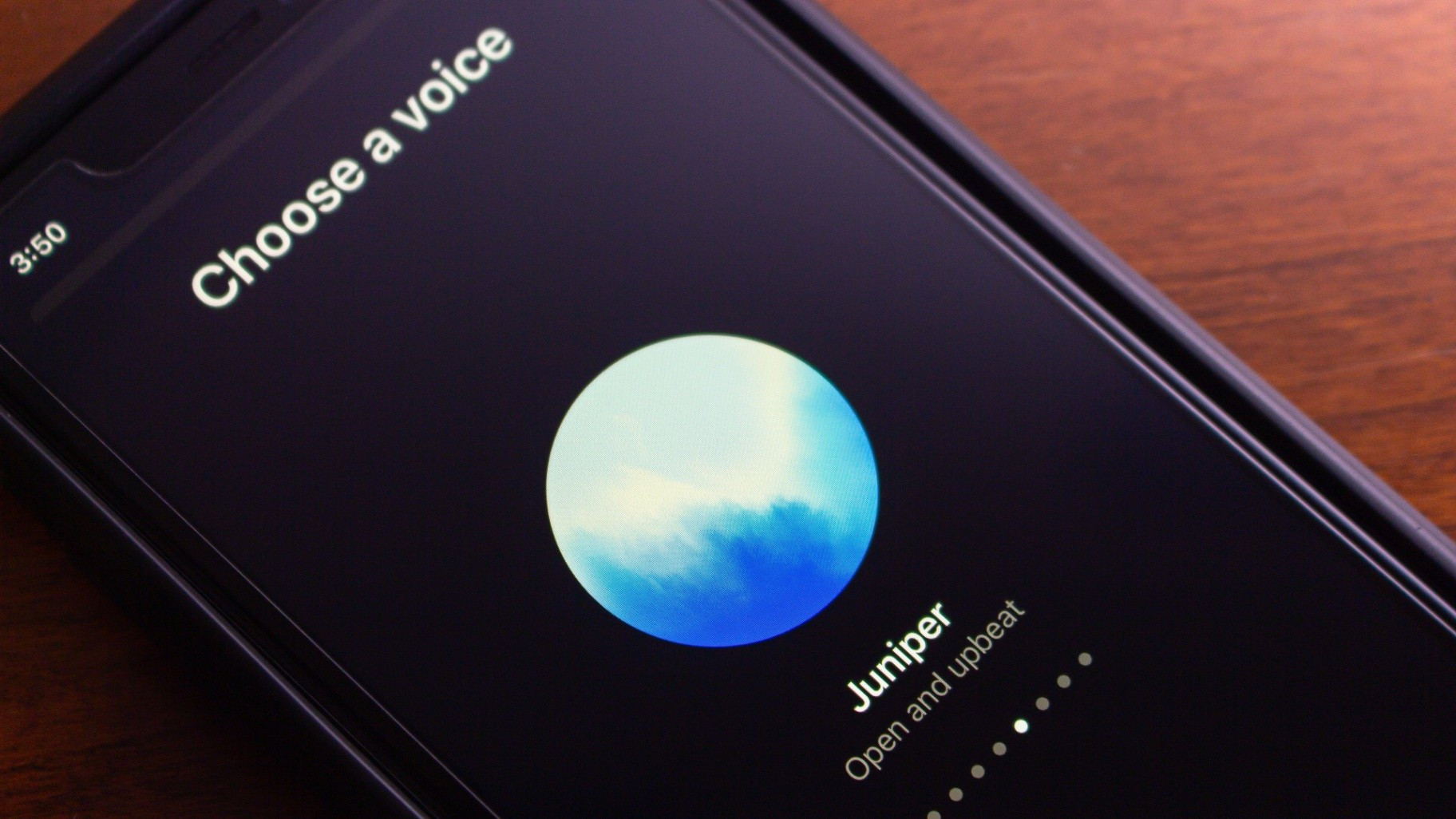
As of late November 2025, ChatGPT no longer requires users to enter a separate “voice-only” screen to speak with the AI. Instead, voice mode is now integrated directly into the regular chat interface — so you can speak, type, or both in the same conversation, and ChatGPT will display responses (including text, visuals like images or maps, live transcripts, and more) in real time within the same window. The update is rolling out across both mobile and web versions, though users who prefer the old separate-mode can still revert via settings.
Sources: TechCrunch, 9to5 Mac
Key Takeaways
– The new unified voice-and-text interface removes friction between typing and speaking, allowing a more natural, seamless conversational flow.
– Visual outputs (images, maps, etc.) and full chat history remain accessible during voice interactions — a major improvement over the prior separate-mode limitations.
– Users who like a purely audio-focused interface can still opt to revert to “Separate mode” via settings.
In-Depth
If you’ve used ChatGPT’s voice functionality before, you might remember that activating voice chat forced you into a completely different screen — a kind of “orb interface” where your voice commands would be processed, and responses would come through audio only. That layout worked, but it introduced a certain clunkiness that broke conversational flow. You couldn’t see images, maps, or even scroll through your chat history — and if you missed part of the spoken response, you had to exit voice mode just to read what was said. That awkward separation always felt like a compromise.
With the new update, however, those compromises are gone. Now, when you tap the waveform or voice-input icon, the chat stays in the same window you were already using for typing. As you speak, ChatGPT’s responses appear as they would in a typed conversation — but you also get the benefit of a live transcript and, if relevant, images, maps, or other visual content. You can even revisit earlier messages without leaving the conversation. For many users, this shift from “voice-or-text, choose one” to “voice and text together, whichever works” will likely make interactions smoother and more intuitive.
From a usability standpoint, this matters. It lowers the friction for switching between modes — you might start a question by typing, then shift into voice to follow up, or vice versa. For users on the go or those who prefer a conversational rhythm, it’s a game-changer. For people multitasking or doing hands-free tasks, voice plus visuals delivers significantly more flexibility.
At the same time, the update doesn’t eliminate choice. If you liked the older, minimalist “just voice, no distractions” layout, you still can go back — there’s a “Separate mode” toggle in settings. That’s important because while the unified interface offers more features, some users may prefer the old streamlined UI for specific tasks (e.g., when driving, walking, or just wanting full audio immersion).
This transition also aligns ChatGPT more closely with how we’re starting to think about conversational AI generally: less like a rigid tool with modes, more like a natural, flexible communication partner. As AI becomes more embedded in day-to-day workflows — whether for research, content creation, travel planning, legal/financial drafting (as you often are), or just casual queries — the smoother the interaction, the more likely users will rely on it.
In short: this update strips away one of the more annoying usability barriers, making voice + text a native, seamless part of ChatGPT. For power users, multitaskers, or folks who like a hybrid mix, that’s a clear improvement. For others who want pure voice, the old mode is still there. Either way — more flexibility, less friction, and a stronger step toward AI as a genuinely conversational partner.