

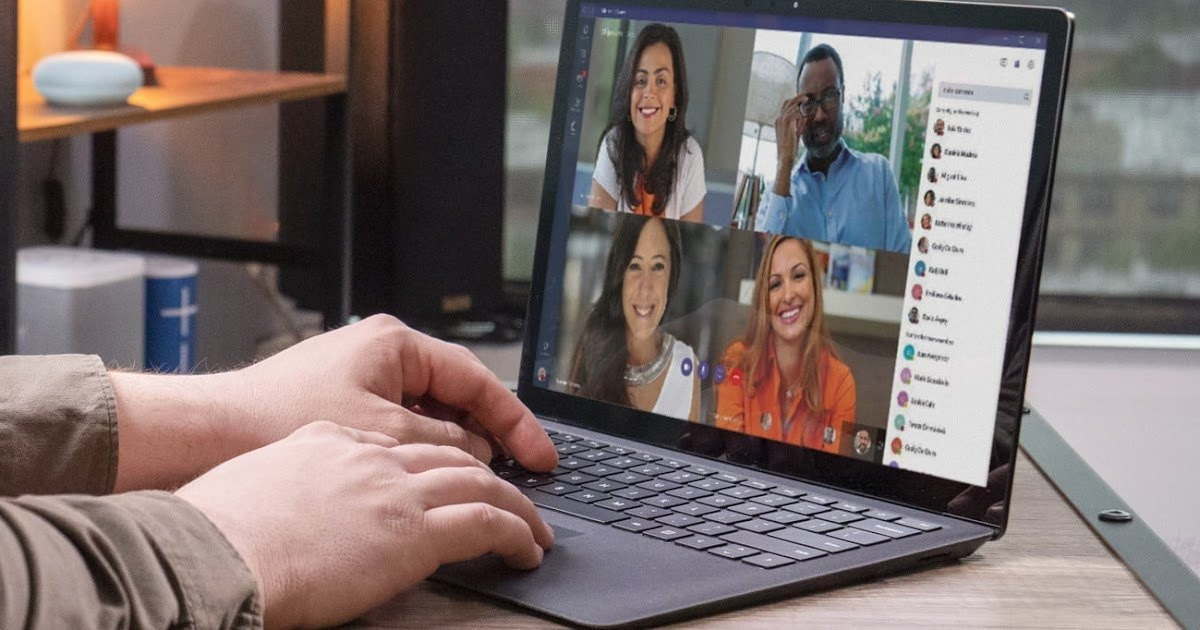
A new Microsoft Teams feature will automatically update employees’ work locations based on Wi-Fi connections and desk peripherals, aiming to streamline hybrid collaboration but raising concerns about workplace surveillance and privacy. While the feature is off by default and requires explicit opt-in by users, critics warn that managerial pressure could lead to de facto mandatory participation and erode trust. The rollout, now expected in early 2026, fits into a broader trend of “bossware” and employee monitoring tools, which research suggests can reduce morale and increase pushback from workers who view such tracking as intrusive. Though Microsoft says this is intended to support coordination and only operates during working hours, privacy advocates and employees remain wary of how the data could be used and whether the feature aligns with recent return-to-office initiatives.
Sources: Computing. co.uk, Cyber News
Key Takeaways
– Feature Details: Teams will detect and display an employee’s work location via company Wi-Fi and desk hardware, aimed at improving hybrid work coordination.
– Privacy Concerns: Even though opt-in by default, workplace pressure could undermine voluntary participation and raise surveillance issues.
– Workforce Impact: Broader employee monitoring trends suggest possible pushback, morale issues, and trust erosion if perceived as invasive.
In-Depth
Microsoft has long positioned Teams as the centerpiece of modern workplace collaboration, especially in hybrid environments where employees split time between home and office. The company’s latest patch — a location tracking feature that automatically updates an employee’s work site based on Wi-Fi connectivity or engagement with configured desk peripherals — adds another layer to that role. Officially, the feature is meant to ease coordination: colleagues and managers can see when someone is in the office, helping to schedule in-person meetings and reduce the guesswork involved in hybrid scheduling. Microsoft’s documentation states that this system only operates during defined working hours and is disabled by default, requiring a proactive opt-in by employees at the time it becomes available in early 2026.
On its face, the functionality seems benign: hybrid teams often stumble over ambiguous availability and location statuses, especially as remote work increases flexibility but reduces visibility. For managers trying to orchestrate face-to-face collaboration or simply ensure team cohesion, knowing who is physically present in a building could theoretically reduce friction. That’s the narrative Microsoft is promoting, emphasizing optional use and windowed operation, and framing the tool as a response to the very real challenges of hybrid scheduling rather than a surveillance mechanism.
Yet the context around this rollout complicates the picture. A growing class of “bossware” — software that monitors employee behavior, productivity, or presence — has already become entrenched in many workplaces. Studies and surveys have pointed to tangible downsides of such monitoring: when employees feel watched, trust erodes and morale drops. Even when tools are technically optional, workplace dynamics rarely make refusal cost-free. Many workers fear managerial pressure to conform; the opt-in toggle may be opt-in in name only if team leaders tie participation to performance reviews, attendance narratives, or informal expectations. This is exactly where critics of the Teams feature focus their concern: not on the technology itself, but on how it could be wielded in an environment where employers have leverage over employees’ careers.
The backlash and debate also intersect with broader discussions about return-to-office policies. Whether intentional or coincidental, the timing of Teams’ location tracking announcement aligns with renewed corporate emphasis on in-person attendance. That fuels skepticism among workers who already bristle at perceived overreach into their autonomy. The optics of a company that helped pioneer remote and hybrid tools now introducing automatic localization — however limited by time and user consent — is enough to prompt unease.
From a conservative, pro-productivity standpoint, the intention behind this feature is understandable: businesses want reliable coordination, managers want clarity, and hybrid work has created genuine logistical headaches. The ability to signal presence could reduce redundant communication, help teams converge efficiently, and support on-site collaboration without constant manual check-ins. Yet good intentions don’t automatically offset the risk of misuse or misperception.
What emerges is a nuanced balance: Microsoft must maintain user trust while equipping organizations with tools that address evolving workplace needs. How this feature is adopted in practice — whether it remains a benign productivity aid or metastasizes into a default surveillance measure — will depend largely on corporate culture and managerial restraint. Employees should be empowered with clear controls and transparent policies, and managers should use such tools to support collaboration, not to penalize autonomy. Only then can the potential benefits be realized without sacrificing the trust and goodwill that underpin a healthy workforce.