

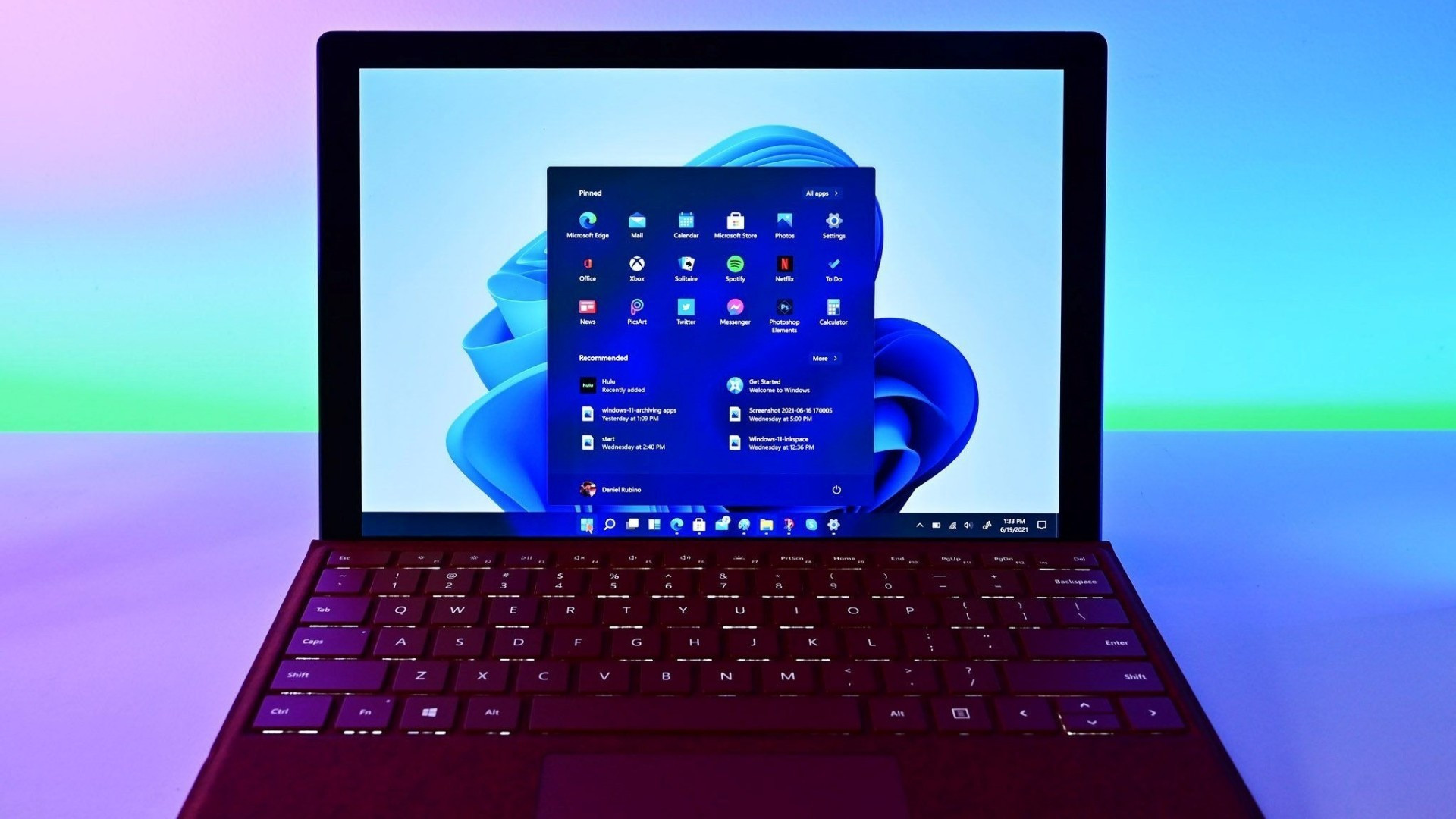
Microsoft is experimenting with an AI-powered “Auto-Categorization” feature in its Windows 11 Photos app for Copilot+ PCs, which will automatically sort images like receipts, screenshots, identity documents, and handwritten notes into dedicated folders. The system works in a language-agnostic way (a passport in Hungarian still goes into the identity folder) and is being rolled out via the Windows Insider program in Photos version 2025.11090.25001.0 or higher. Microsoft says the AI runs on-device when possible, improving speed and privacy, though cloud fallback paths may remain. Independent outlets note the feature is limited to the four document-style categories for now, but users can manually move misclassified images to improve accuracy
Source links: Windows Central, PC World
Key Takeaways
– Microsoft’s initial auto-categorization is limited to four practical categories: receipts, screenshots, identity documents, and notes.
– The AI is language-agnostic and reportedly works even when text is in non-English scripts.
– Users retain control: misclassified photos can be moved manually, and feedback can help improve the system over time.
In-Depth
Microsoft’s Photos app for Windows 11 is getting a neat upgrade: it’s testing a new Auto-Categorization feature that uses AI to automatically sort images into four document-style folders (receipts, screenshots, identity documents, and notes). This feature is currently only available to Windows Insiders on Copilot+ PCs running a compatible version of Photos (version 2025.11090.25001.0 or newer).
The design is pragmatic rather than overly ambitious. Instead of attempting to classify every kind of photo (pets, landscapes, food shots, etc.), Microsoft is focusing on the kinds of images many users already take in bulk: receipts, scanned or photographed documents, screenshots, and handwritten notes. That focus helps keep the classification simpler and hopefully more accurate. According to Microsoft, the system is language-agnostic: it can categorize a passport or document even if the text is in a language your system doesn’t natively read. That means, for example, a Hungarian passport or an ID in Arabic can still be routed into the “identity documents” folder.
On the privacy front, Microsoft says the AI inference is intended to run on the device (on Copilot+ hardware) rather than sending all image data to the cloud. That helps reduce the exposure of sensitive images. Still, there’s some ambiguity—cloud-assisted fallback models may exist, especially in cases where local hardware is insufficient. Independent tech outlets note that while the promise of local processing is attractive, users should be aware of telemetry or metadata that may be shared or logged behind the scenes.
Another practical detail: if the AI misclassifies an image, you can manually reassign it. That user correction feeds back into the system to improve future accuracy. But users should still remain cautious—grouping identity documents or receipts into clearly labeled folders makes them more discoverable. If your device is lost, shared, or compromised, this convenience feature could become a liability unless proper security safeguards are in place (e.g. encryption, limiting sync, account access controls).
That said, Microsoft’s approach here is careful and incremental. It doesn’t aim to overhaul your photo library overnight with thousands of auto-labels; it leans into doing one thing well. Because many people use their phones to snap receipts and scan IDs, having those types of images automatically sorted could genuinely save time. Whether the system scales to more category types (pets, events, memorabilia, etc.) remains to be seen, and accuracy will depend in part on Microsoft’s model training and user feedback.
For now, it’s worth checking if your device qualifies, trying the feature on a safe subset of photos, and watching how classification behaves. If Microsoft rolls this out broadly, it could be a small but meaningful step in making everyday AI more useful and less intrusive—so long as users retain control and understand what’s happening behind the scenes.