

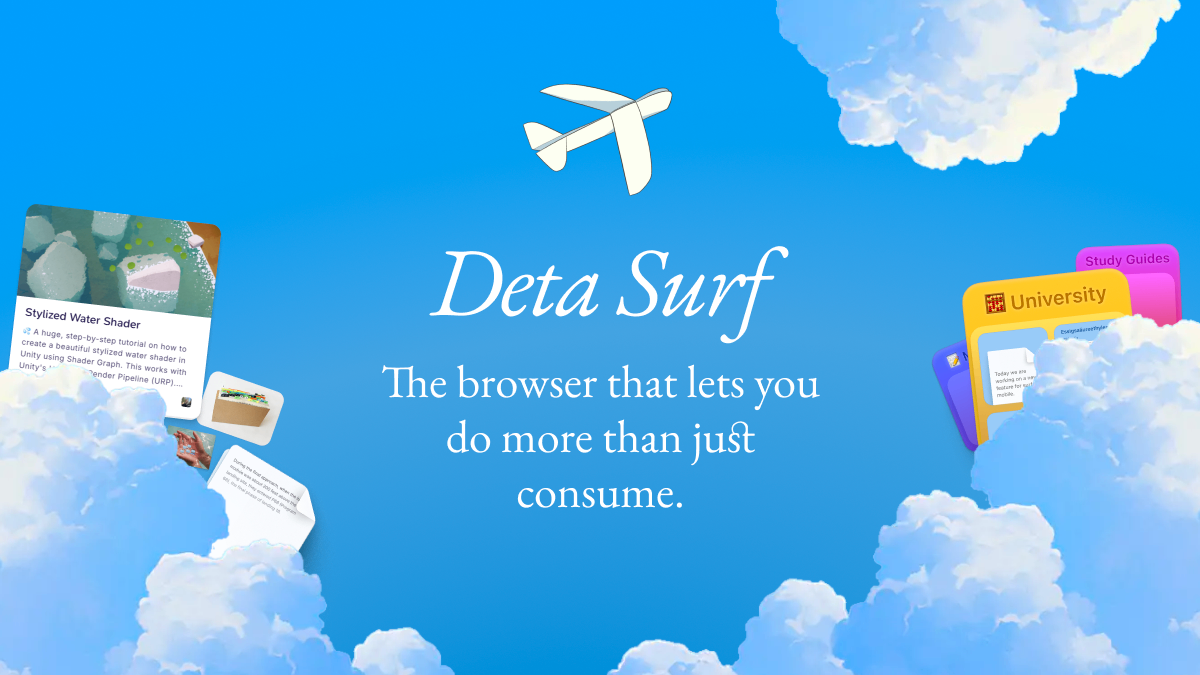
Deta has unveiled Surf, a hybrid app that merges the functionality of an AI-powered web browser with the structured note-taking and synthesis features of Google‘s NotebookLM. As a browser, Surf lets users open URLs, PDFs, YouTube videos, and navigate the web; as a research environment, it enables users to summarize content, link insights into editable notebooks, and even generate snippets of code or visualizations. Unlike many AI browsers, Surf keeps data locally and supports offline editing, positioning itself as especially useful for students, researchers, and knowledge workers. Deta currently offers Surf in beta for free, with plans for a premium tier—including cloud backup and device syncing—in future updates.
Sources: The Verge, TechCrunch
Key Takeaways
– Surf blurs the line between browsing and research by combining real-time web navigation with an editable notebook interface.
– Local-first storage and offline usability distinguish Surf from purely cloud-dependent AI tools.
– While still in beta and free now, Surf is positioning itself for monetization via future premium features like collaboration and syncing.
In-Depth
In a landscape crowded with AI browsers, Deta’s new Surf app carves out a space by combining web browsing and knowledge management into a single unified environment. Traditional AI browsers often focus on summarizing or automating tasks within open tabs; NotebookLM and other note tools focus on processing documents and building context around user inputs. Surf’s pitch is that these two workflows often overlap, and it’s inefficient to switch repeatedly between browser windows and separate note apps.
Surf lets users open web pages, PDFs, or YouTube videos, then pose prompts grounded in those active tabs. The AI can extract the gist, synthesize insights, and present them inside a Notion-style document that users can edit, annotate, or expand. Unlike many AI assistants that produce static output, Surf’s notebook is live: output blocks remain linked to their source context. Users can combine insights from multiple tabs, compare, cross-reference, and reorganize them. In addition, Surf supports small code snippets and the creation of interactive visualizations to enrich the research experience.
One of the features that caught early attention is how Surf treats bookmarks and saved content. You can take annotated screenshots (that retain hyperlinks back to the source), import PDFs and images, and have all of these stored in a “My Stuff” library. Everything is indexed for full-text search, so even content buried in saved pages or notes can be surfaced easily. Some early demos show how the interface allows users to reorient and visually rearrange saved items—essentially turning the browser into a research canvas.
From a design and privacy standpoint, Deta favors a “local-first” architecture: notebooks and embeddings live on device by default, enabling offline work. For users wary of cloud dependency or data exposure, that’s a competitive differentiator. The company says it will later introduce optional cloud sync, collaboration tools, and cross-device clients under a future subscription plan.
Of course, Surf is early stage and faces challenges. The interface is ambitious and could feel overwhelming, as reviewers have noted the tension between browser, notebook, and visualization surfaces competing for the user’s attention. Also, because the product is in beta, some features are still rough or incomplete. The mobile experience is limited or missing, so it’s currently more of a desktop-focused tool. Integration with external ecosystems (e.g., Google Docs, other AI models) may be crucial to its adoption.
Nevertheless, Surf is part of a broader trend toward agentic browsers that do more than just display web content. Tools like Perplexity‘s Comet, The Browser Company’s Dia, and Opera’s Neon are pushing in similar directions, embedding AI agents deeper into the browser experience. Unlike some of its competitors that lean heavily on cloud backends, Surf’s local-first approach and integrated notebook paradigm make it a compelling option for those who want both control and context in their research workflows.
As Deta continues iterating, the critical test will be balancing ambition with usability—ensuring that the combined browsing-and-notebook interface feels intuitive rather than cluttered. If it succeeds, it could reshape how people research, write, and synthesize information on the web.