

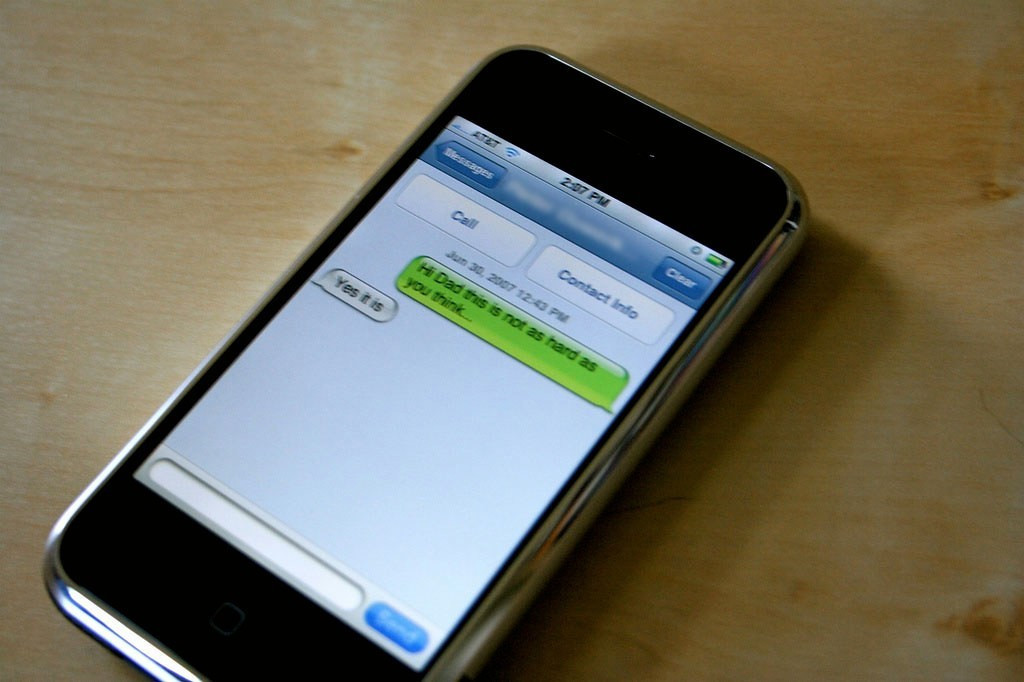
Android users can now unsend text messages using the Google Messages app when chatting over Rich Communication Services (RCS). After beta testing earlier in the year, the “Delete for Everyone” option is now rolling out broadly: simply long‑press a sent message, tap the trash icon, and choose whether to delete it just for yourself or for all participants—though this only works if both parties use RCS and compatible versions of the app. While this mirrors similar features in iMessage and WhatsApp, it is subject to limitations such as time sensitivity (messages may only be retracted if acted upon quickly) and compatibility issues (recipients using older app versions may still see the message) .
Sources: New York Post, The Sun (UK), LifeWire
Key Takeaways
– Google Messages’ built-in “Delete for Everyone” feature now lets users retract sent messages from both sender’s and recipient’s devices—provided both support RCS and are running updated app versions.
– The functionality is time-limited; you must delete quickly to avoid the recipient seeing the message, and those using older versions of the app might still receive it.
– While this enhances privacy and reduces embarrassing typos, it raises concerns about message security and legal implications—especially as RCS lacks universal end-to-end encryption.
In-Depth
Google has quietly delivered a major relief to Android users: you can finally take back that message you wish you hadn’t sent. With the latest rollout of Google Messages, the “Delete for Everyone” feature—once limited to beta testers—is now broadly available on devices using RCS. Just long-press your message, tap the trash can, and choose “Delete for Everyone” to remove it from all parties—assuming everyone involved has the right version of the app.
This feels like catching up with iMessage and WhatsApp, but it comes with real-world caveats. If the recipient has already read, saved, or is using an older version of Google Messages, that message may still linger. Worse, RCS messaging isn’t always end-to-end encrypted, particularly on Android-to-iPhone threads, prompting privacy and legal red flags for sensitive communications.
Still, for those accidental typos or “oops” moments, it’s a welcome safety net. Just remember: timing is everything. Think of it as a polite do-over rather than an eraser—helpful, but not foolproof.