

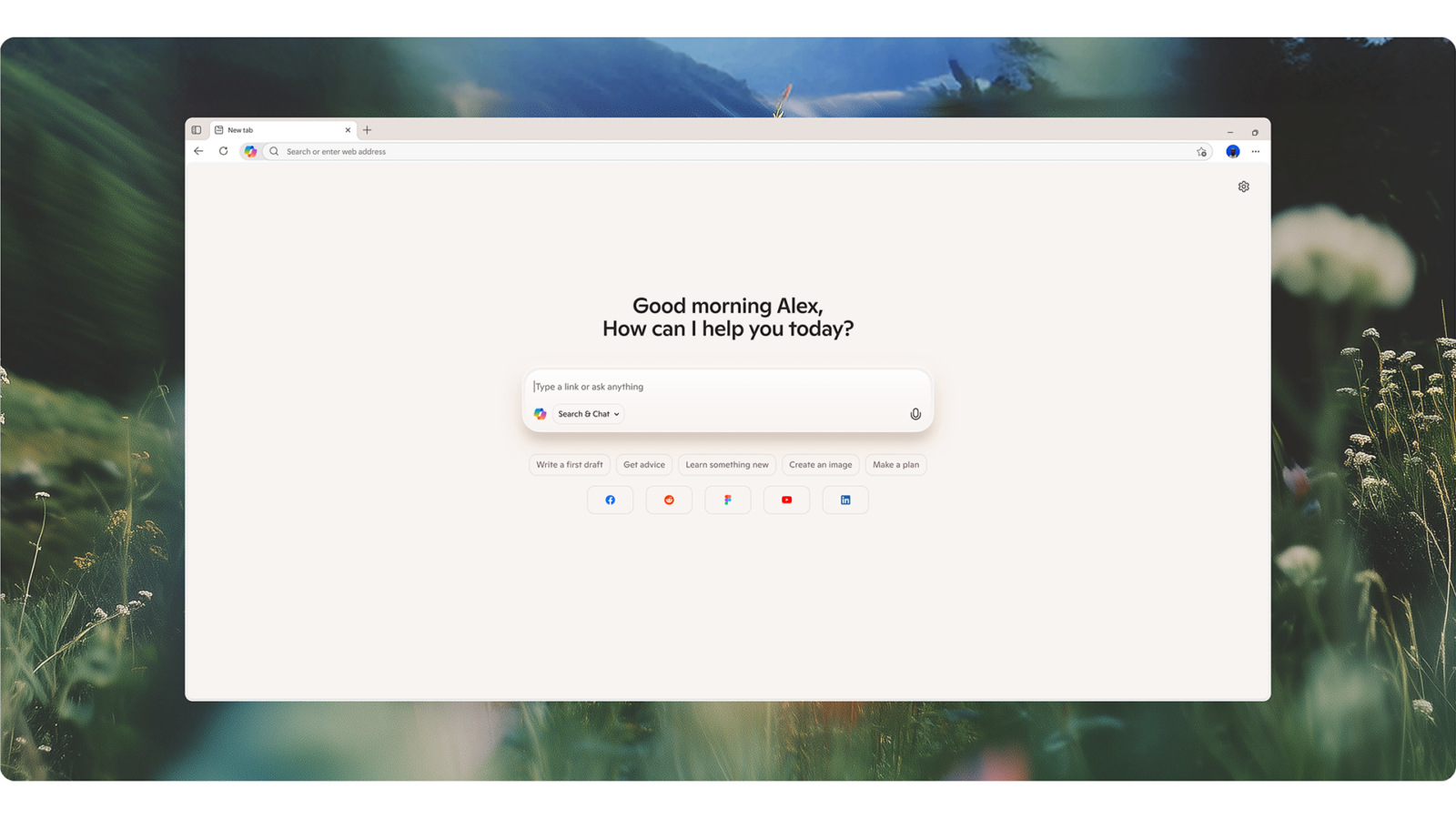
Microsoft has rolled out a new AI Copilot Mode in the Edge browser, as an opt‑in, experimental feature for Windows and Mac users. Once enabled via browser settings, Copilot replaces the new‑tab screen with a unified input field where users can type or speak prompts that combine chat, search, and navigation.
Copilot Mode can be granted permission to scan across all open tabs to generate summaries, perform comparisons (like hotel or product options), or assist with unit conversions, translations, and quick lookups in a side pane while preserving the original page view. Voice‑activated “Actions” allow users to describe intended tasks in plain language—though real execution of bookings or errands requires future updates and explicit access to credentials and browsing history .
The feature remains in experimental status. Copilot Mode is currently free for a limited time, with no concrete details yet on any future pricing or usage caps. Microsoft emphasizes that all functionality is opt‑in, with clear visual indicators when Copilot is active, and that user data is only accessed when explicitly permitted.
Microsoft positions this release as part of an industry‑wide shift toward AI‑first browsers, aiming to compete with offerings from Google (Gemini in Chrome), Perplexity (Comet), and others. Whether users find the added AI context genuinely improves their workflow—beyond conventional browsing—remains to be seen.
In short, Copilot Mode introduces AI‑assisted browsing features into Edge, offering optional tab summarization, voice commands, and early task automation tools. It’s potentially useful for research, planning, or light multitasking support—but so far it’s not transformational. Users retain full control over enabling or disabling it, and future capabilities depend on additional permissions and forthcoming updates.
Read more on the Microsoft Edge Blog and TechCrunch.