

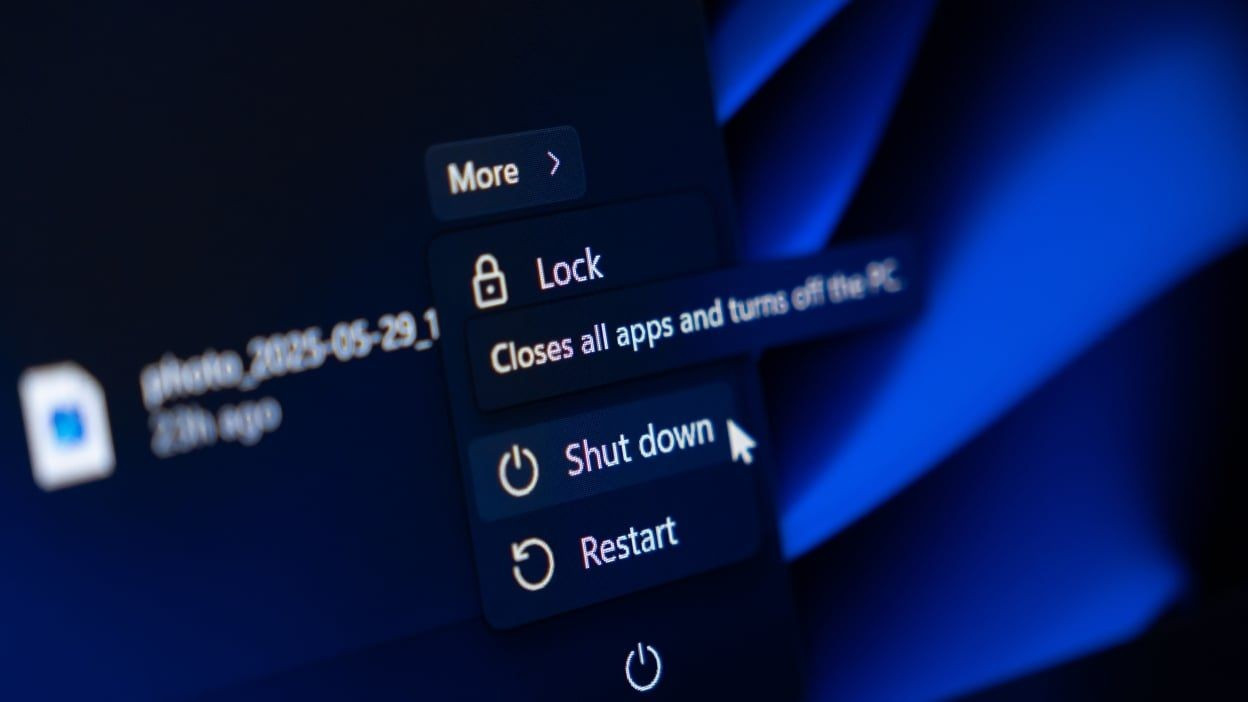
Microsoft has officially rolled out a fix for the decade-old issue where choosing the “Update and Shut Down” option in Windows 10 and Windows 11 resulted in an unintended reboot rather than a proper shutdown. According to TechSpot the flaw, which many users chalked up to misclicks or some mysterious hardware driver behavior, has been addressed via the optional KB5067036 servicing stack update for Windows 11 (and the analogous Windows 10 servicing update streams). According to WindowsLatest the fix appears in Windows 11 25H2 Build 26200.7019 (and 24H2 Build 26100.7019) and covers the underlying servicing-stack malfunction. Another source, GHacks, confirms Microsoft’s acknowledgment of the bug, while noting that the company has yet to publish detailed root-cause diagnostics and that Windows 10 appears to be left partly unsupported for the fix.
Key Takeaways
– The “Update and Shut Down” command often resulted in a restart instead of a power-off for both Windows 10 and Windows 11 users, causing productivity issues and battery drain.
– Microsoft has issued a fix (via KB5067036 and associated builds) that corrects the servicing stack so that the shutdown command behaves as originally intended.
– Despite the fix, Microsoft did not fully disclose the technical root cause publicly, and older versions of Windows may remain susceptible or unsupported for this specific issue.
In-Depth
For too many years, Windows users have been haunted by a nagging quirk: you select “Update and Shut Down,” figure you’ll walk away while your machine updates and powers off, then come back to find it restarted instead. It’s an irritant that people put up with, joked about, or assumed must be user error or some esoteric driver incompatibility. But the truth is it was a latent flaw in the servicing stack of Windows itself, affecting both Windows 10 and Windows 11. That flaw meant the system didn’t reliably honor the user-selected “shut down after update” directive, instead often performing the “update and restart” path. This could lead to wasted battery on laptops, unexpected wake-ups, and frustration for users who trusted the “Update & Shut Down” option to let them finish their day without the PC humming away.
Microsoft has now moved to correct that. As of the optional update KB 5067036 and the rollout of Windows 11 version 25H2 builds (26200.7019) and 24H2 builds (26100.7019) the issue is addressed. The remarks from WindowsLatest show that Microsoft now acknowledges the underlying issue causing “Update & shut down” to not actually shut down your PC after updating. The fix is rolling out broadly. At least in theory, selecting “Update and Shut Down” should now genuinely power the machine off once updates finish. Importantly this speaks to Microsoft’s responsibility in the servicing-stack domain: the very software that orchestrates update installation, pre-boot servicing, offline update phases, and the subsequent shutdown sequence. Fixing such a foundational internal component doesn’t happen overnight, which may explain why the bug endured for so long.
From a conservative vantage one might argue this is a case study in why trust in large-scale software platforms must be earned and actual user experience matters. Many users operated under a “well, that’s odd” assumption, or mistakenly believed their own actions were at fault. A software vendor that markets reliability should ensure that a basic command like “Update and Shut Down” simply works. The lack of transparency around root cause also suggests Microsoft places more emphasis on shipping hot-fixes than on publicly diagnosing legacy issues—a trade-off that some enterprise customers may view skeptically. For IT admins, this fix reinforces the need to validate update behavior rather than assume functionality simply because a front-end command exists.
For everyday users, the experience should now improve: choose “Update & Shut Down,” walk away, let the system apply patches, and the machine actually powers off instead of re-booting. Of course, caution remains prudent: any update pipeline carries risk, and those on older Windows 10 builds or using unsupported hardware may remain vulnerable to quirky behavior. In sum, this fix closes a longstanding reliability issue, but also serves as a reminder that OS vendors must stay accountable for the fundamentals of user experience—even in the background plumbing of updates.