

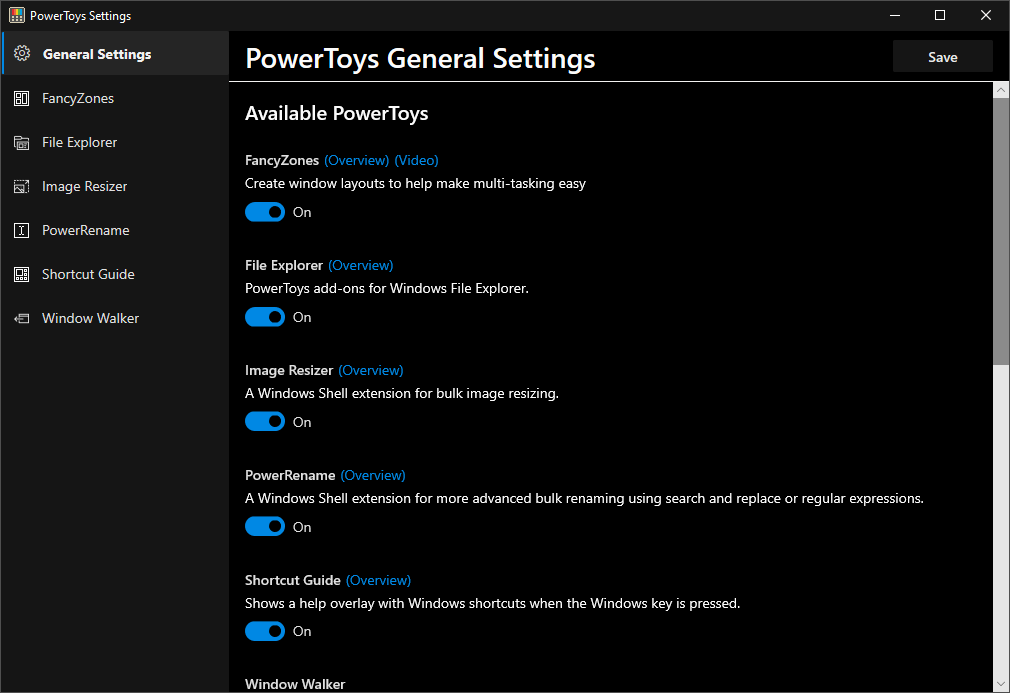
Microsoft has quietly released a significant upgrade to its free PowerToys utility for Windows 11, introducing long-requested features: automatic theme switching—allowing systems to toggle between light and dark modes based on user-defined schedules—and a handy shortcut conflict detector that highlights overlapping keyboard shortcuts in red for quick resolution. These enhancements join a retooled Keyboard Manager UI and continue PowerToys’ tradition of delivering powerful productivity tools, such as FancyZones, Always On Top, Advanced Paste, and a Spotlight-style Command Palette.
Sources: The Verge, Windows Latest, NeoWin.net
Key Takeaways
– Finally automatic: Windows 11 will soon let users schedule light/dark theme changes automatically—a convenience that mobile platforms have had for years.
– Shortcut sanity: PowerToys now includes a feature to identify and highlight conflicting keyboard shortcuts, which should help avoid unintended overlaps.
– Productivity power-up: These additions reinforce PowerToys’ role as a toolkit for power users, enhancing Windows customization, workflow, and usability.
In-Depth
Microsoft’s PowerToys continues to deliver value to power users, now including a feature that many Windows fans have been asking for: automatic theme switching. This long‑missing functionality lets you program your system to flip between light and dark modes based on time—or possibly even sunrise and sunset—mirroring conveniences that iOS and Android introduced years ago. It’s a neat quality‑of‑life upgrade that respects user preferences without manual effort.
Alongside scheduled theme changes, PowerToys now helps you avoid productivity pitfalls with a shortcut conflict detector. This tool flags overlapping keyboard shortcuts—marking conflicts in red so you can swiftly reassign or fix them. For anyone juggling multiple PowerToys utilities or customizing Windows extensively, this is a thoughtful addition. No more accidental shortcuts triggering two actions at once.
These tools are sandwiched between PowerToys’ broader enhancements—like the upgraded Keyboard Manager interface, FancyZones for multi-window layouts, Always On Top, Advanced Paste, and a Spotlight‑like launcher. Microsoft continues to position PowerToys as the unofficial Swiss Army knife of Windows customization and productivity.
That said, these new features are rolling out via PowerToys rather than being baked into Windows 11 directly—suggesting Microsoft may be splitting new, experimental features off from the main OS. Still, for users who appreciate control and convenience, having these abilities in a free, installable utility is a solid win.