

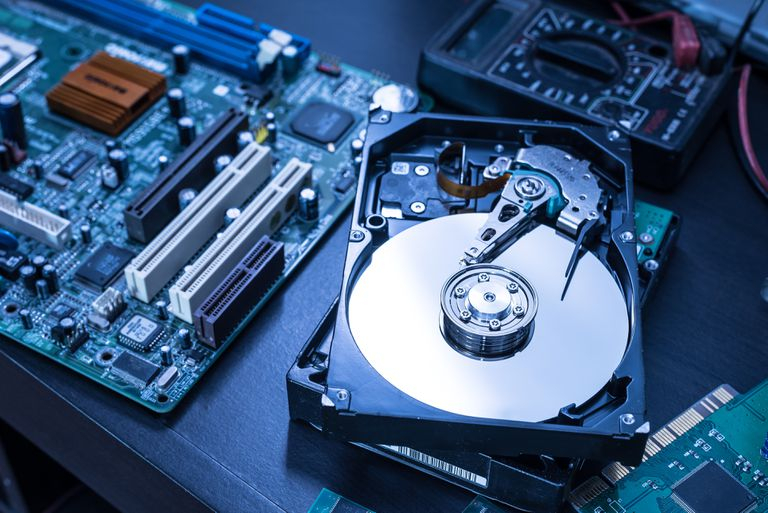
If you’re replacing an aging desktop or laptop, simply dropping it off at an electronics recycling center without first addressing the hard drive could expose years of personal information, from banking records and tax documents to passwords and family photos. The safest approach is to remove the drive before recycling the computer, then either securely erase it if it still functions or physically destroy it if it doesn’t. While some security experts advocate professional drive shredding for maximum protection, physically damaging an inoperable drive by drilling holes through it or striking it with a heavy hammer is generally considered sufficient for most consumers. The computer itself can then be responsibly recycled through an approved electronics recycling program, helping keep hazardous materials out of landfills while protecting sensitive personal information.
Sources
- https://www.dallasnews.com/business/technology/2025/02/09/jim-rossman-how-best-to-dispose-of-that-old-hard-drive
- https://www.pcworld.com/article/452492/how-to-make-good-use-of-an-old-hard-drive.html
- https://www.theguardian.com/technology/askjack/2015/feb/19/how-safely-recycle-old-pcs-computers
Key Takeaways
- Before donating or recycling an old computer, remove the hard drive to prevent sensitive personal information from falling into the wrong hands.
- If the drive cannot be securely erased because the computer no longer works, physical destruction of the drive provides a practical level of protection for most consumers.
- Responsible electronics recycling protects both personal privacy and the environment by ensuring computer components are processed instead of discarded in landfills.
In-Depth
Americans replace millions of computers every year, yet many overlook the single most important security step before getting rid of an old machine: safeguarding the data stored on its hard drive. Even computers that no longer boot may still contain years of financial records, tax returns, passwords, medical information, and personal correspondence that can be recovered if the storage device remains intact.
The common assumption that a dead computer is automatically safe to recycle is a risky one. In many cases, the failure lies elsewhere in the system while the storage device itself remains readable. That is why experienced technicians recommend removing the hard drive before donating or recycling any computer. If the drive is still operational, it can be securely erased using specialized software. If it is not, physically destroying the drive significantly reduces the likelihood that anyone could retrieve its contents.
This issue also underscores a broader lesson about personal responsibility in the digital age. Rather than assuming someone else will protect your information, individuals should take ownership of securing their own data before disposing of electronic devices. Once the drive has been removed and appropriately handled, the remaining computer can be recycled through legitimate electronics recycling programs, allowing valuable materials to be recovered while preventing unnecessary environmental waste. Good cybersecurity begins with good personal habits, and securely disposing of old storage devices is one of the simplest—and smartest—steps consumers can take.